AutoGPT Platform Analysis: Agent Platform Architecture and a Practical Self-Hosting Guide

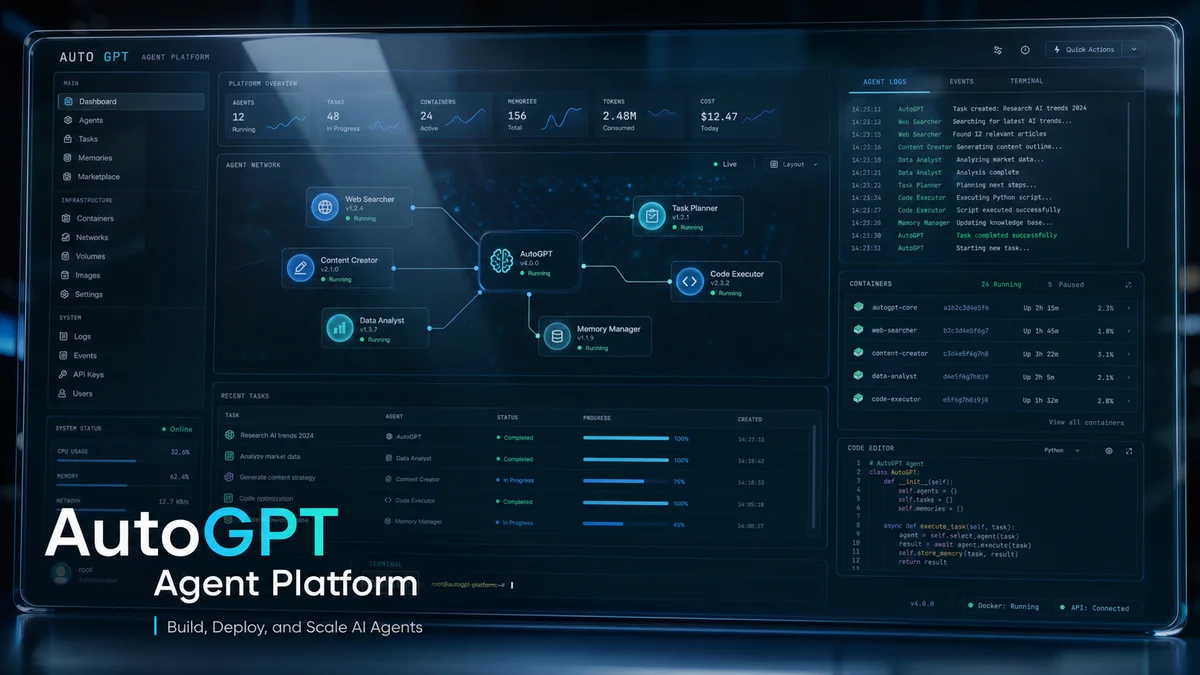
Based on the AutoGPT repository README and related documentation excerpts, this post provides a technical overview of the AutoGPT platform's main autogpt_platform components, self-hosting procedure, developer tools—Forge, agbenchmark, the CLI, and the frontend—and licensing considerations. The source is distributed across the repository README and partial documentation, so some details below are not fully contained in the provided evidence. Consult the linked official documentation as well.
Summary
- AutoGPT is a platform for designing, deploying, and operating agents, with guidance for both local self-hosting and a future cloud beta waitlist.
- The repository has a split licensing model: the
autogpt_platformdirectory is under the Polyform Shield license, while the rest of the code is under the MIT license. - Its principal developer tools are Forge for agent templates and composition, agbenchmark for performance benchmarking, the frontend UI, and the root
./runCLI. - Interoperability between agents is provided through the AI Engineer Foundation's agent protocol standard.
Core components and execution flow
- Frontend: the UI where users create, control, and monitor agents. The README states that the frontend connects to agents through the agent protocol.
- Server: the runtime in which agents operate. The README says the server handles agent execution, triggers, and continuous operation.
- Forge: a toolkit for quickly creating agent applications by eliminating boilerplate. It includes tutorials and a getting-started guide.
- agbenchmark: a benchmarking tool for objectively measuring agent performance. Its CLI integration is designed to make it easy to use with AutoGPT and Forge-based agents.
- CLI (
./run): a script at the repository root that provides agent, benchmark, and setup commands. The README demonstrates a workflow that installs dependencies with./run setup.
Plain definition: a communication contract—such as message formats and endpoints—between an agent and external systems including frontends and benchmarks. Example: just as smartphone apps use the same social-login standard, OAuth, different agents following one protocol remain compatible when an interface is replaced.
Plain definition: a set of tools, including templates, components, and tutorials, for creating agents quickly. Example: it resembles downloading a starter website template, replacing only the company logo, and deploying it immediately.
Plain definition: a benchmarking tool that automatically evaluates an agent's features and performance. Example: it quantitatively measures agent performance in the way fuel-economy and safety tests evaluate a car.
Presented self-hosting and system requirements, excerpted from the README
The README's recommended environment can be summarized as follows:
- CPU: 4 or more cores recommended; RAM: at least 8 GB, with 16 GB recommended; storage: at least 10 GB
- OS: Ubuntu 20.04 or later, macOS 10.15 or later, or Windows 10/11 with WSL2
- Docker Engine 20.10 or later, Docker Compose 2.0 or later, Git, Node.js 16 or later, and npm 8 or later
- Network: outbound HTTPS connectivity and accessible Docker ports
The README also points to a one-click installation script and provides its URL. The supplied evidence does not contain detailed logs of the script's internal behavior, such as every service it configures automatically. Review the official installation documentation and deployment script before an actual rollout.
Licensing and legal considerations
- The README excerpt explicitly states that code in the
autogpt_platformdirectory is governed by the Polyform Shield license and the rest of the repository by the MIT license. Review the terms for each directory before use or deployment.
Plain definition: a software license that imposes restrictions on certain uses, which may include commercial redistribution or particular use cases; consult the license text for the exact terms. Example: the software may be free to use but place restrictions on a company turning it into a product and selling it.
Points confirmed by the evidence
- The README directly states that Forge, agbenchmark, the frontend, and the CLI work as complementary tools; see its Forge, agbenchmark, and frontend sections.
- It states that compatibility is achieved through the agent protocol standard.
- The repository links to a self-hosting guide and a cloud beta waitlist.
Preserved metadata and activity indicators
This chart visualizes the repository's popularity over time and helps indicate the scale of community adoption. A high star count and active release history reflect ecosystem and contributor activity.
The contributor-distribution image indicates project maintainability and community size, making it a useful reference when evaluating operations or commercialization.
Recommendations and next steps
- Before attempting self-hosting, closely review the official documentation linked by the README, such as the agpt.co documentation, and inspect the installation script locally.
- Because the licensing is mixed—Polyform Shield for
autogpt_platformand MIT for the rest—seek legal review if commercial use is planned. - Use agbenchmark for performance validation, then adjust resource allocation such as RAM, CPU, and container count based on the results.
- Review the agent protocol specification first and test the communication interface with the frontend to ensure agent interoperability.
Conclusion: uncertainty and references
This post summarizes and analyzes the README and provided documentation excerpts. Some operational and deployment details, such as the precise scope and pricing of the cloud beta and every step performed by the installation script, are absent from the evidence. Before operating the platform, consult the official documentation at https://agpt.co/docs/platform/getting-started/getting-started and inspect the latest repository code.
Sources
- Significant-Gravitas/AutoGPT (README) — license:
mixed (MIT and Polyform Shield, per README), retrieved:2026-07-06. - Image: AI-generated cover image via OpenRouter — license:
ai-generated-original.