uv: An Analysis of the Rust-Built, Extremely Fast Python Package and Project Manager

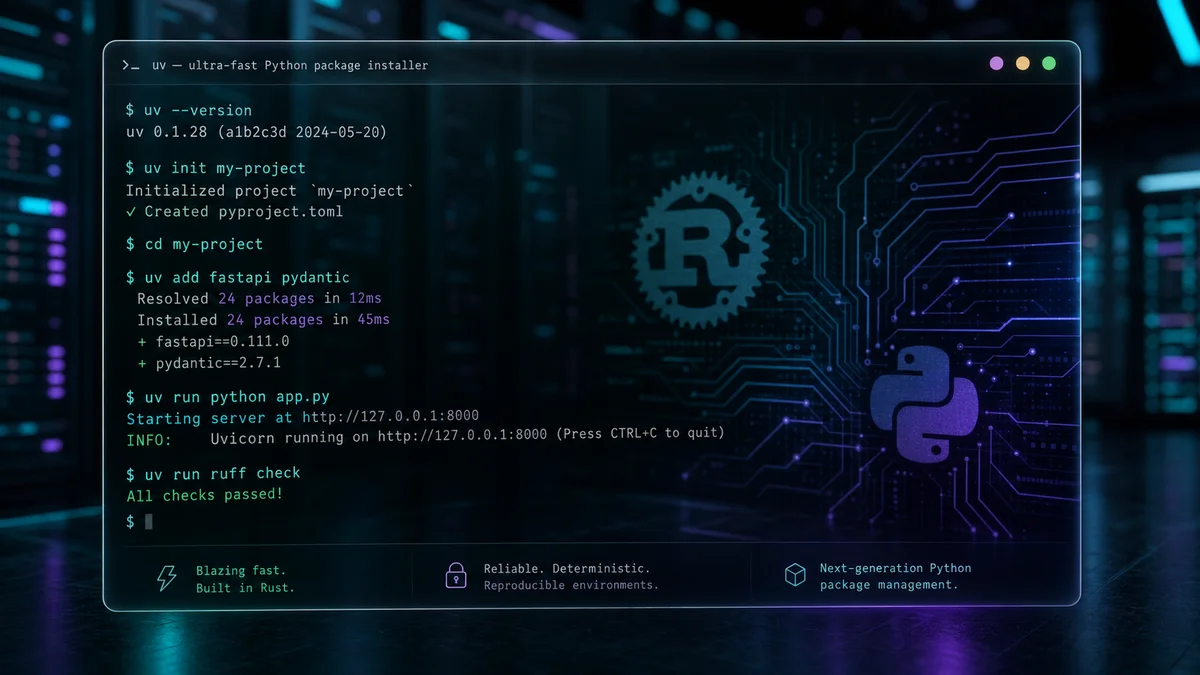
uv is a Python package and project management tool developed by Astral and implemented in Rust. Drawing on the README and repository files (the install script, BENCHMARKS.md, documentation links), this post summarizes uv's main design goals, its features, and the trade-offs a developer should weigh. The analysis is based on the provided repository snippets and README; for implementation details and the latest benchmarks, consult the official documentation and the repository sources directly.
The key points about uv:
- It aims to replace pip, pip-tools, pipx, poetry, pyenv, twine, and virtualenv with a single tool.
- The README claims a performance advantage of "10-100x faster" than
pip(see BENCHMARKS.md for the benchmarks). - It supports a range of use cases: project management (workspaces, a universal lockfile), per-script dependencies, tool execution (
uvx/uv tool), Python version installation and pinning, and a pip-compatible interface. - It deduplicates disk usage through a global cache, supports Cargo-style workspaces, and ships both as a standalone install script and via PyPI.
The sections below interpret the evidence images and core features from the README.
This benchmark image visually backs up uv's performance claim. The README uses "Installing Trio's dependencies with a warm cache" as its example and shows an install-time comparison, which suggests the improvement shows up in actual user experience (package installation and resolution). Accurate interpretation requires checking the measurement method and environment in the original benchmarks (BENCHMARKS.md).
This badge signals project identity (the repository/package link). It sits at the top of the README and, together with the other badges (action status, PyPI, and so on), gives an at-a-glance view of the project's visibility and distribution channels.
Technical analysis by core feature
- The performance claim and its limits
- The README states "10-100x faster than pip." This presumably comes from parallelizing the dependency resolution and installation pipeline, the cache structure, and the efficiency of a Rust implementation. Which scenarios that range applies to (warm versus cold cache, network, platform), however, needs to be verified against BENCHMARKS.md and your own environment.
- Dependency resolution and locking strategy
- The README states that uv uses a universal lockfile and a PubGrub-based dependency resolver. A universal lockfile targets reproducible installs that account for platform-specific binary differences.
Plain definition: a file that pins dependency versions and install metadata so builds stay reproducible. Plain example: it is like writing down a home recipe exactly so the dish tastes the same every time.
- Virtual environments and the tool execution model
- uv creates a
.venvper project and claims to replace existing pip workflows through interfaces such asuv run,uv venv, anduv pip. It also provides pipx-like functionality viauv toolanduvx, running and installing tools (ruff, pycowsay, and so on) in isolated environments.
Plain definition: a way to install packages independently of the system Python so each project gets an isolated runtime. Plain example: it is like several projects each keeping their own refrigerator of ingredients, which prevents cross-contamination.
- Python version management
- The README example shows commands such as
uv python install 3.12 3.13 3.14for downloading and managing multiple Python versions. This targets a user experience similar to pyenv.
Plain definition: an algorithm that finds a set of compatible package versions satisfying every package's version requirements. Plain example: it is like collecting everyone's available times and picking the one meeting slot that works for the whole group.
- Workspaces and the global cache
- uv supports Cargo-style workspaces and uses a global cache to save disk space and reduce duplicated dependencies. This approach pays off in large repositories and monorepos.
Plain definition: a structure that groups several related packages (or projects) under one top-level configuration to manage shared dependencies and builds. Plain example: it is like an org chart where several departments book and share the same meeting room.
Installation and adoption considerations
- Installation: the README documents both a standalone install script (
curl | sh) and PyPI distribution. Where organizational policy restricts script-based installation, installing through PyPI or a package manager is the recommended path. - Compatibility: the README states support for macOS, Linux, and Windows, but platform-specific issues — build and binary problems in particular — need to be checked against the documentation and the issue tracker.
- Safety and licensing: the repository is dual-licensed under Apache-2.0 and MIT. Contributions must comply with the license terms recorded in the LICENSE file.
Limitations and notes
- This post is an analysis based on the provided README/repository snippets and public images. uv's internal optimizations (cache structure details, parallelization strategy, per-platform binary handling) can only be pinned down accurately by reviewing the repository documentation (BENCHMARKS.md, docs.astral.sh/uv) and the full source.
- The performance figures the README presents were measured under specific conditions (a warm cache, for instance). Real-world performance depends on workload, network, and platform.
Reference links and further reading
- Source repository: https://github.com/astral-sh/uv
- Official documentation (installation and guides): https://docs.astral.sh/uv
- BENCHMARKS.md: the benchmark document in the repository (the evidence for the performance comparison)
In conclusion, uv attempts to solve several bottlenecks in existing Python package managers — speed, disk duplication, workspace management — through a Rust-based implementation. Before adopting it, though, verify the actual benefit by checking the benchmark measurement conditions, platform compatibility, and your organization's installation policy.
Sources
- astral-sh/uv (GitHub repository README and files) — license:
Apache-2.0, MIT, retrieved:2026-07-06. - Image: AI-generated cover image via OpenRouter — license:
ai-generated-original.